VARGPILOT
// full HUD and telemetry analyzer for the Stark Varg
Currently in beta. Bring your own bike.
What you get
Faster HUD
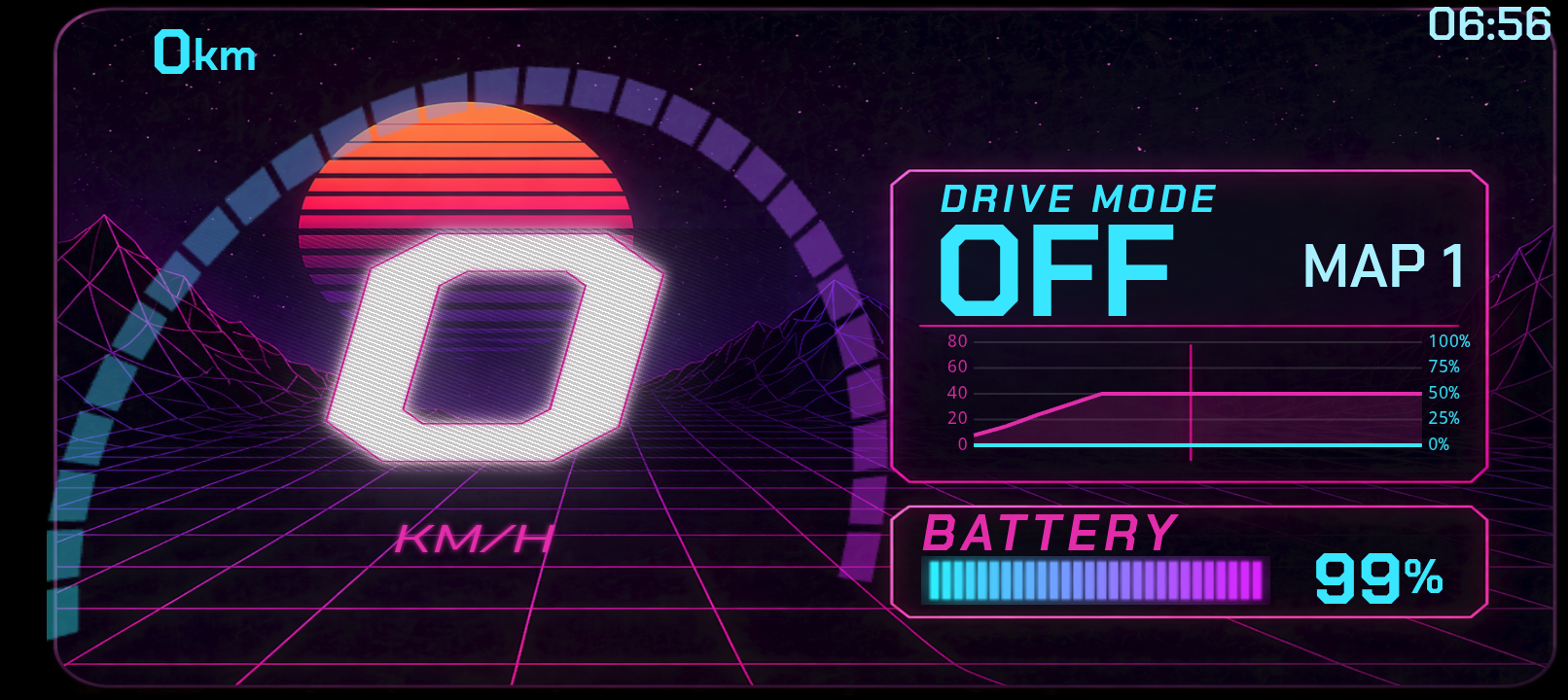
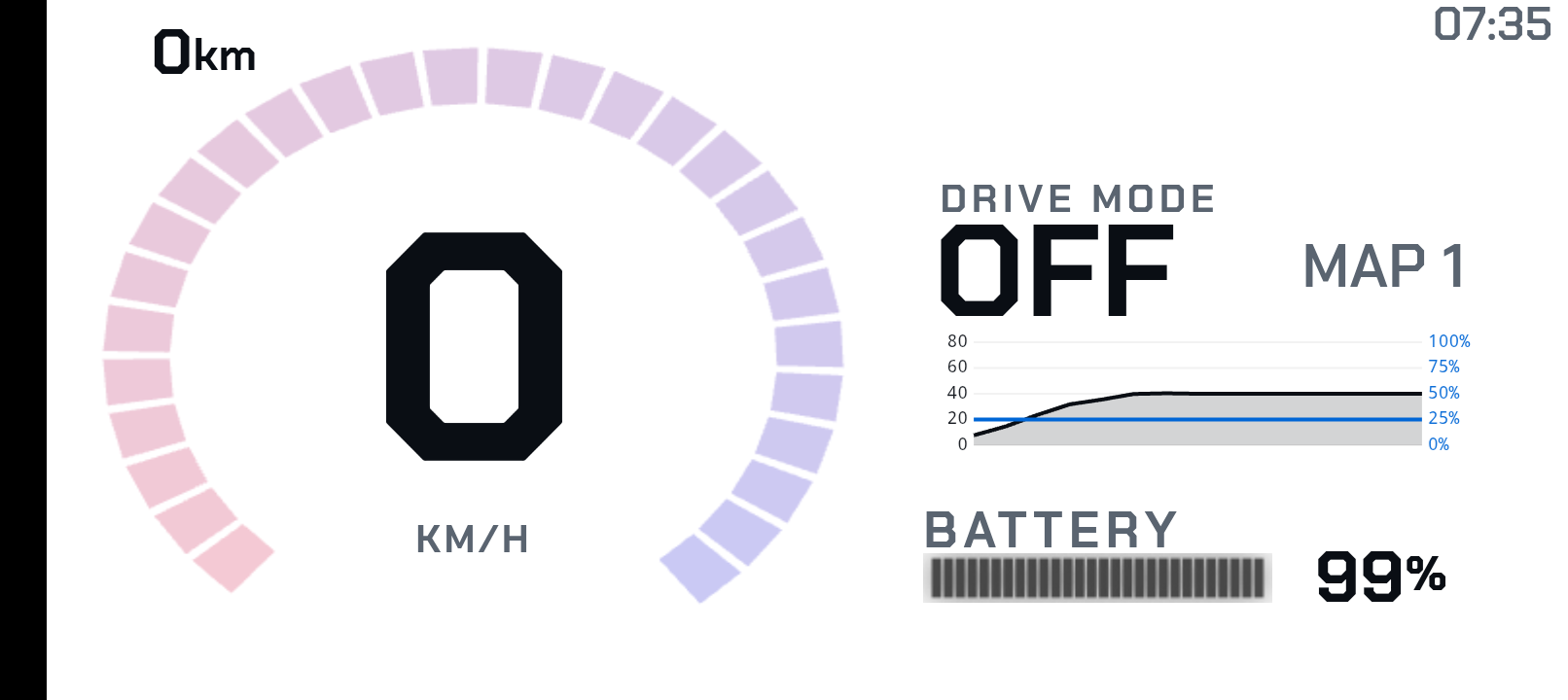
Speed, drive mode, battery, charge state — all visible at a glance, with a layout designed for riding glances rather than parked-bike menus.
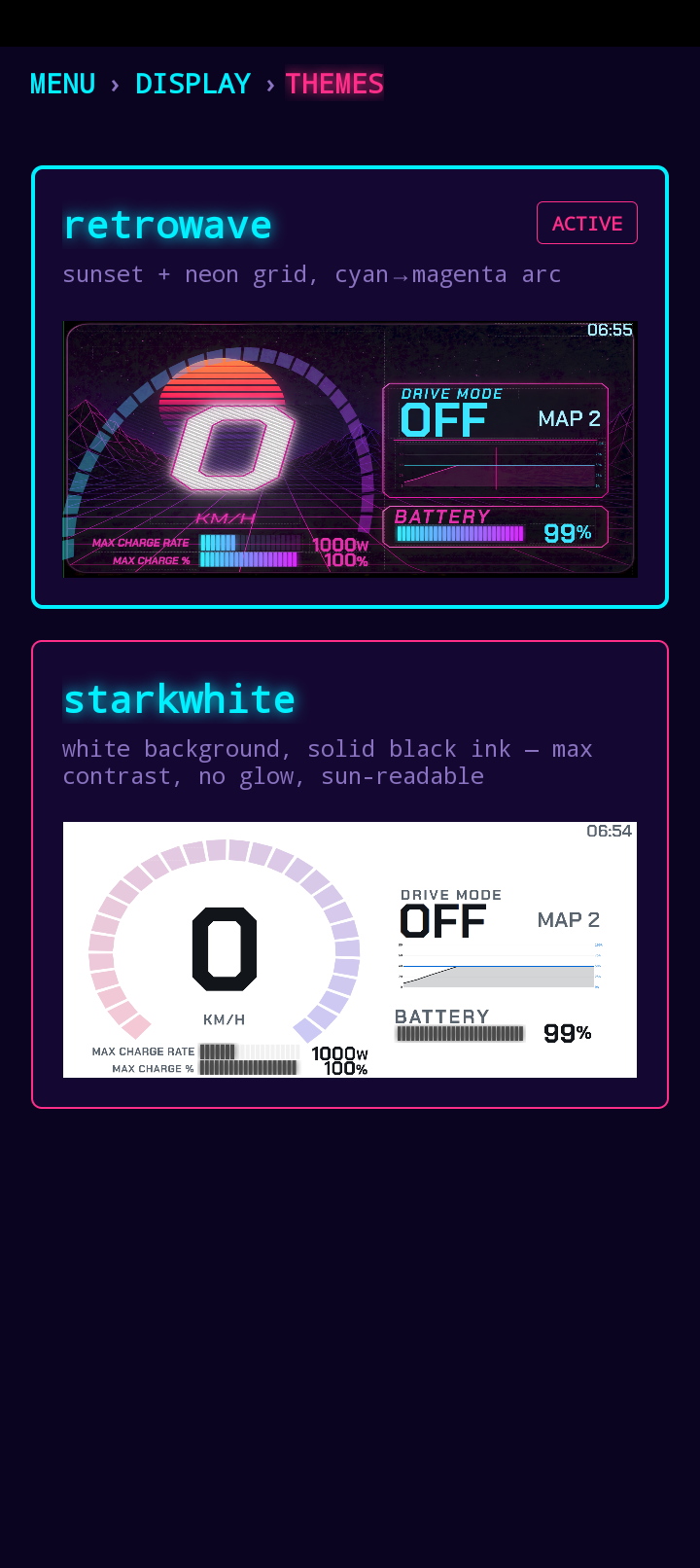
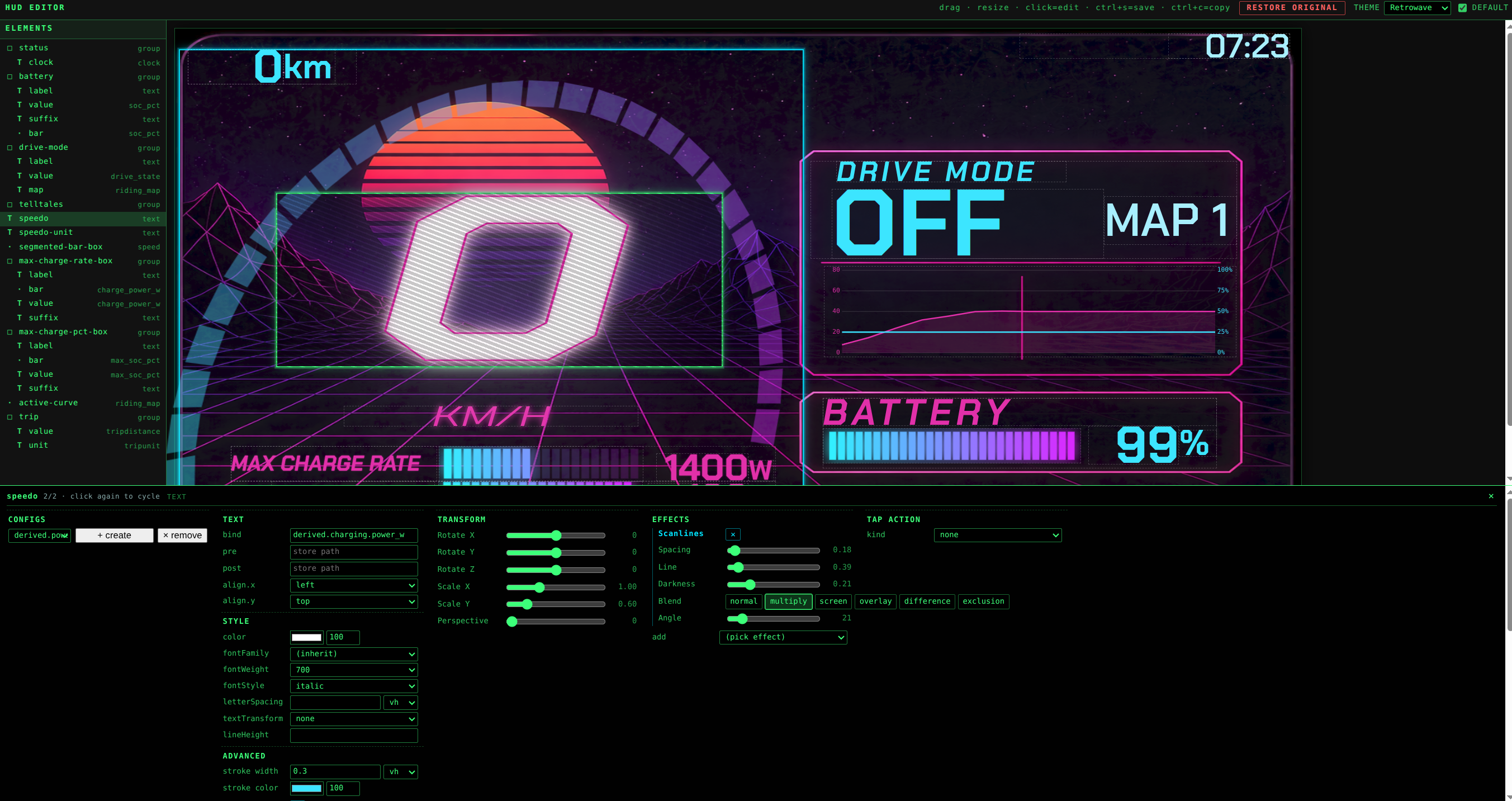
Ships with multiple themes — neon-glow retrowave for night riding, high-contrast starkwhite for full sun — and a built-in editor so you can design your own.
Split-screen friendly
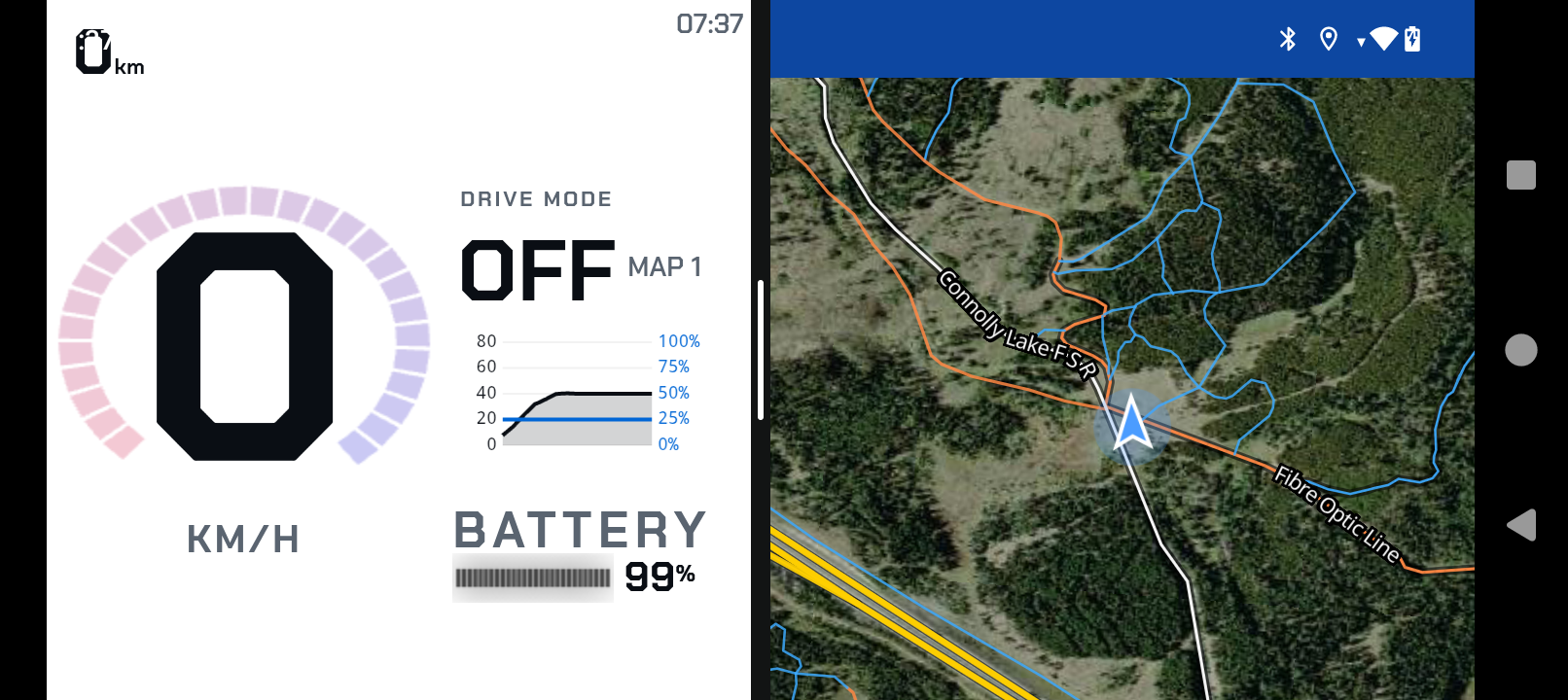
Runs in Android's split-screen mode so you can pin the HUD alongside any other app — maps, music, messages, navigation, whatever you ride with. Glance once, see both.
Map tuning
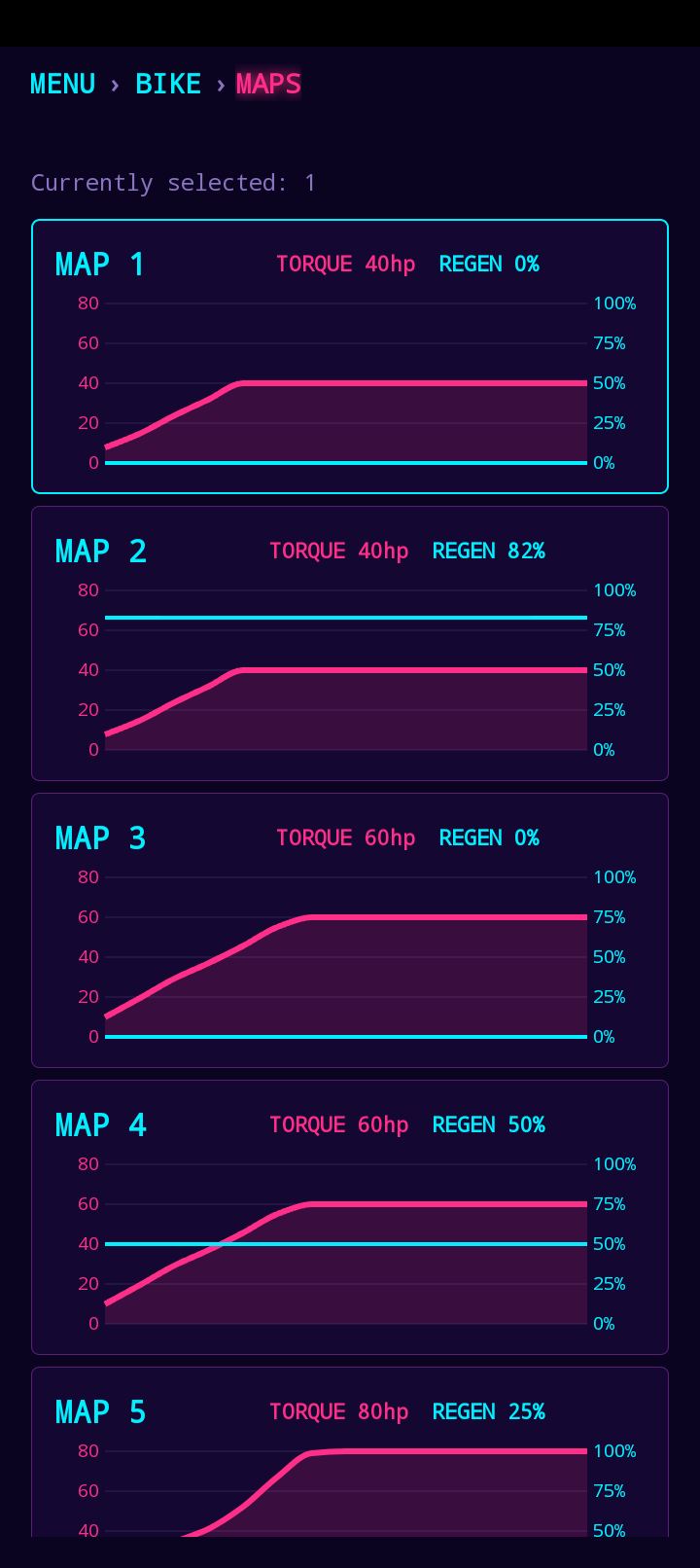
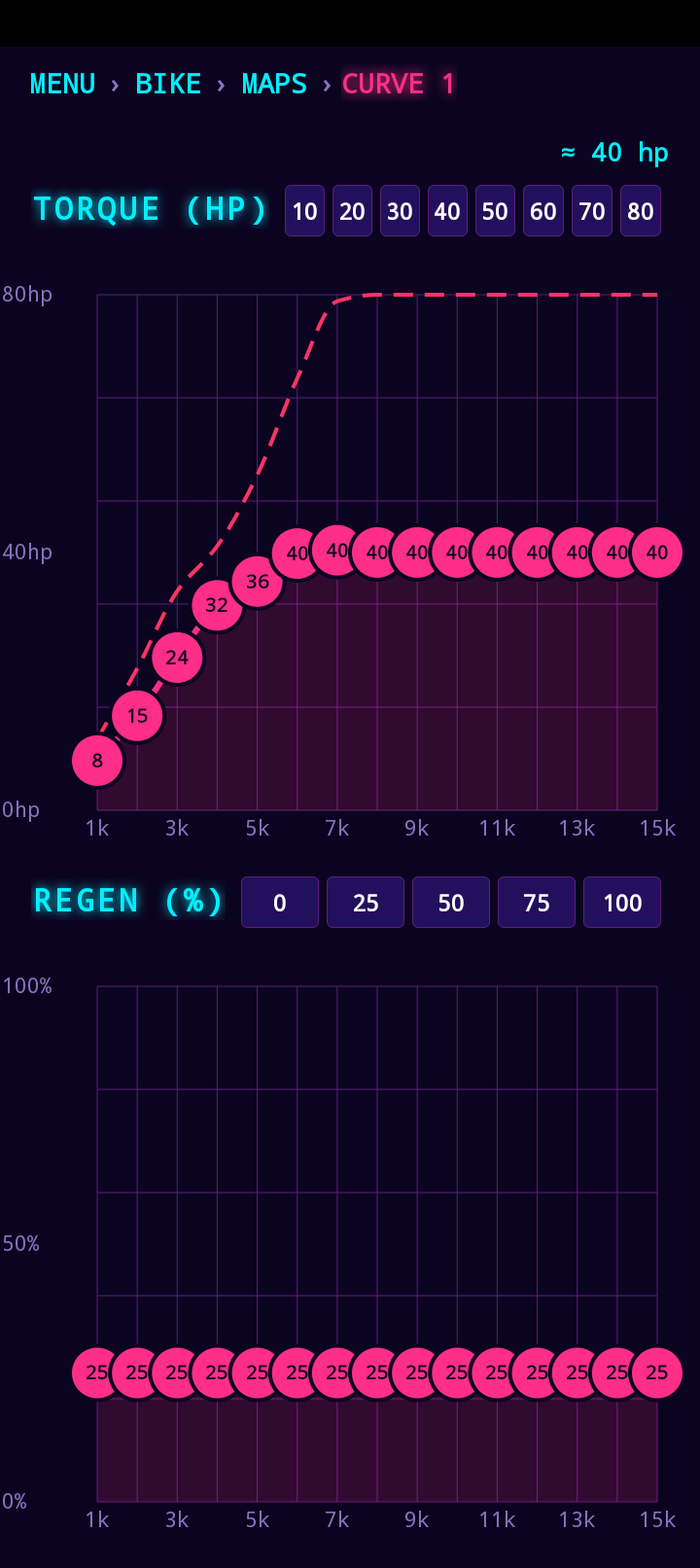
Edit per-map torque and regen curves on-bike. Compare all five maps side-by-side, then drop into the curve editor to shape the exact torque-vs-RPM response you want.
Lock + unlock
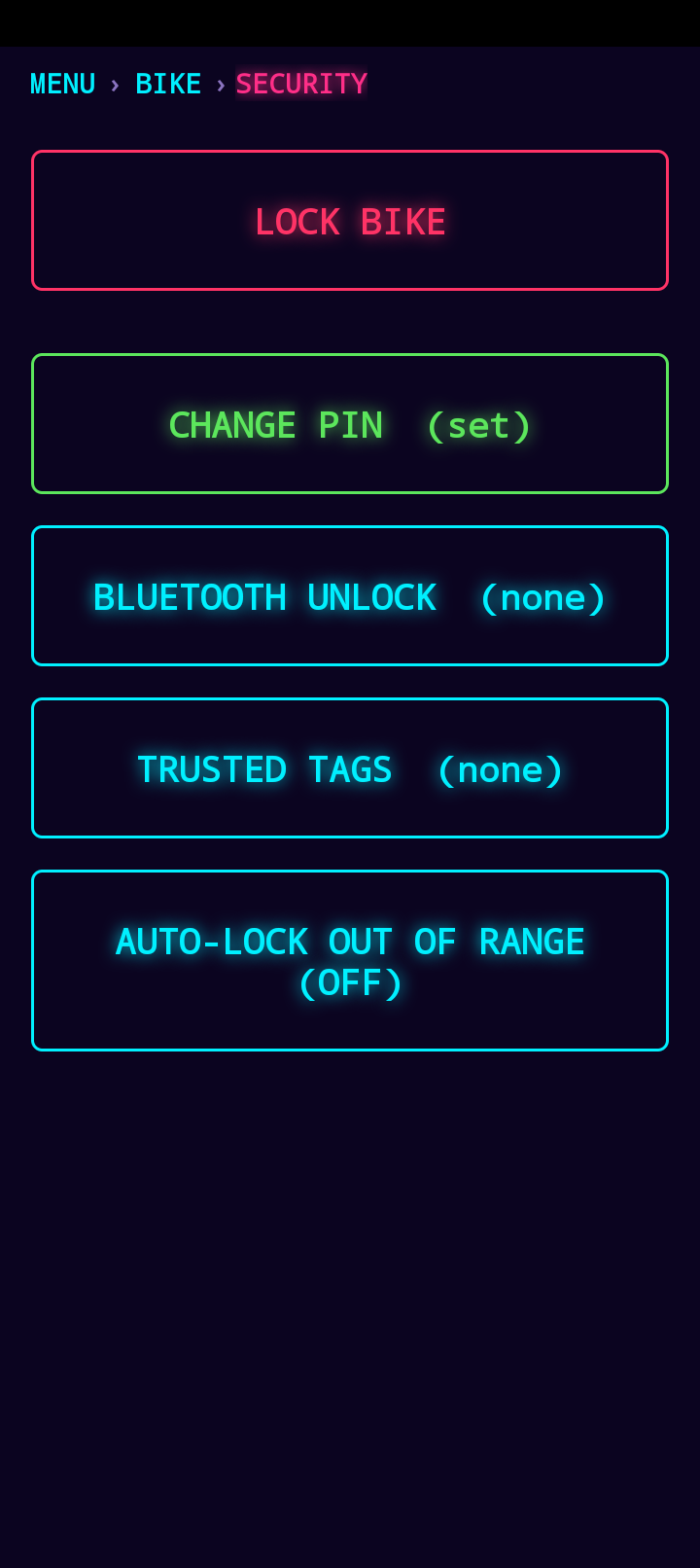
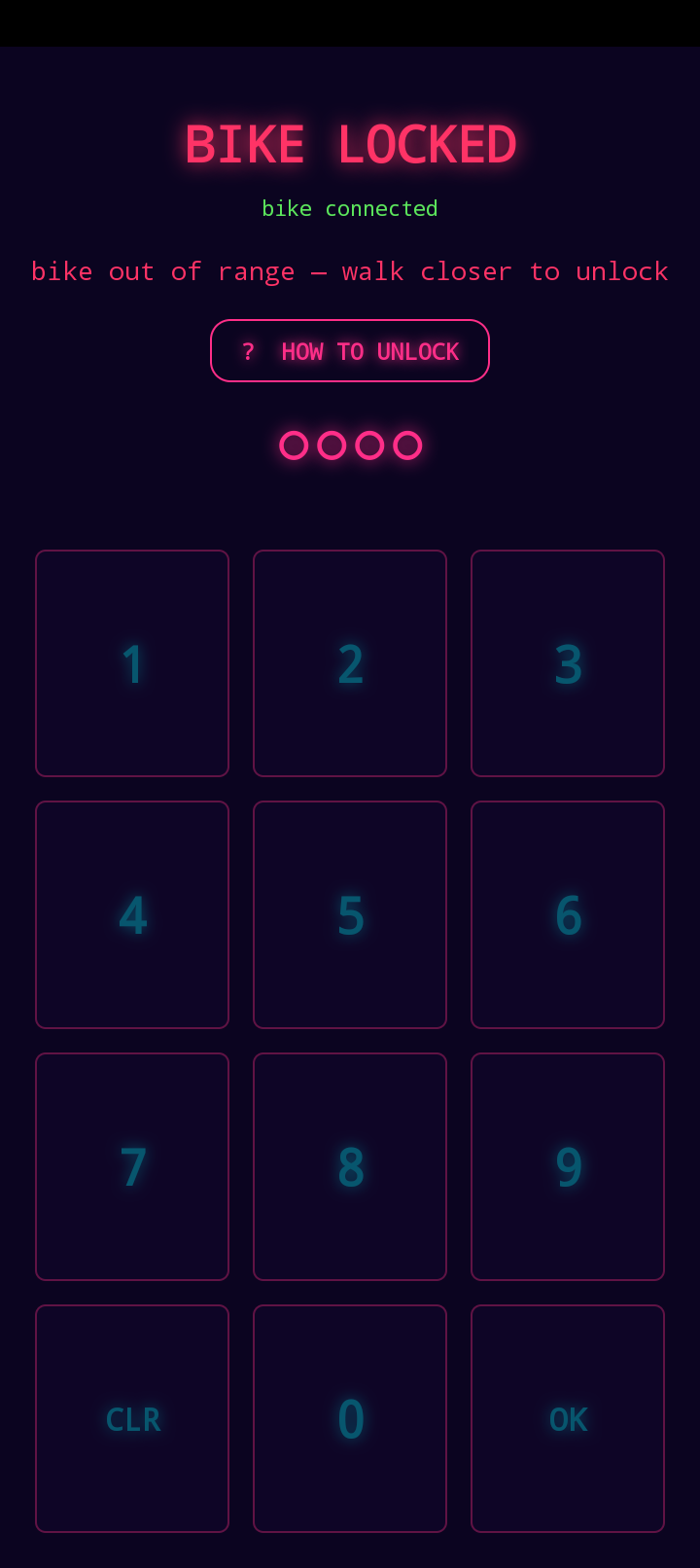
Lock the bike with a 4-digit PIN or a pattern — whichever your fingers prefer in gloves. Lock manually, or set it to auto-lock the moment you walk out of Bluetooth range; your phone gets a notification confirming the bike is locked so you know it took.
Unlock just as flexibly: tap an NFC tag against your phone while you're standing next to the bike, or pair a trusted second phone and the bike unlocks the moment that phone comes into range.
On-phone debugging
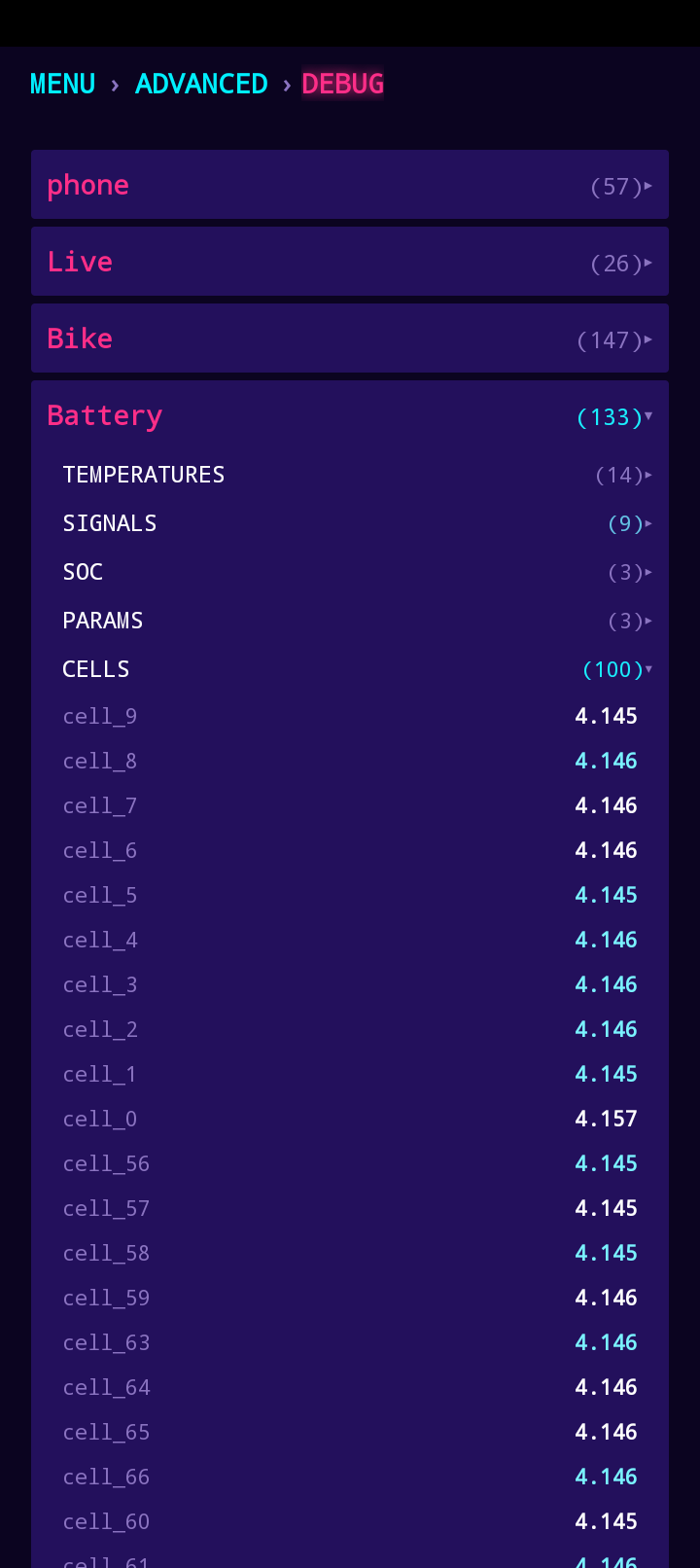
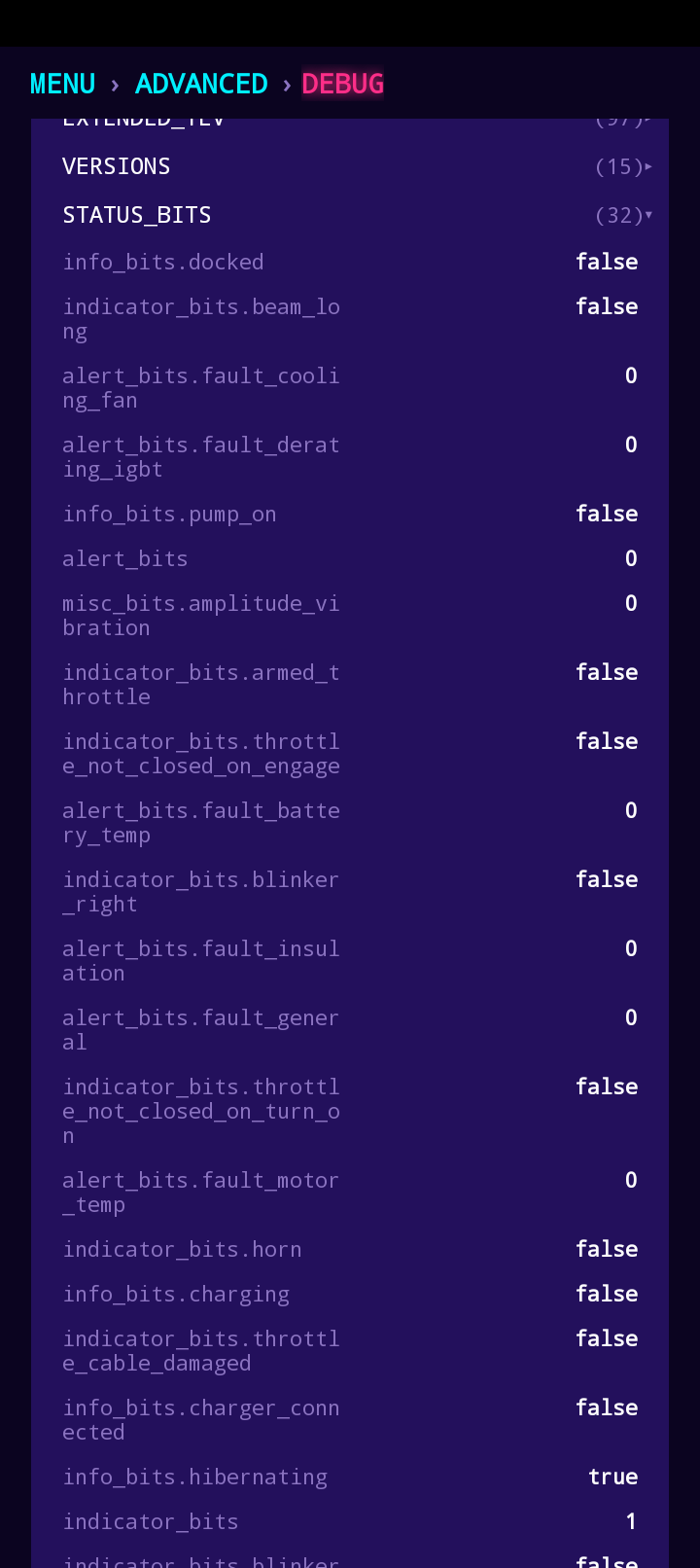
Full live bike telemetry in your pocket — every cell voltage, every status bit, every fault flag. The same data the diagnostics tools see, surfaced in a searchable tree.
Remote telemetry
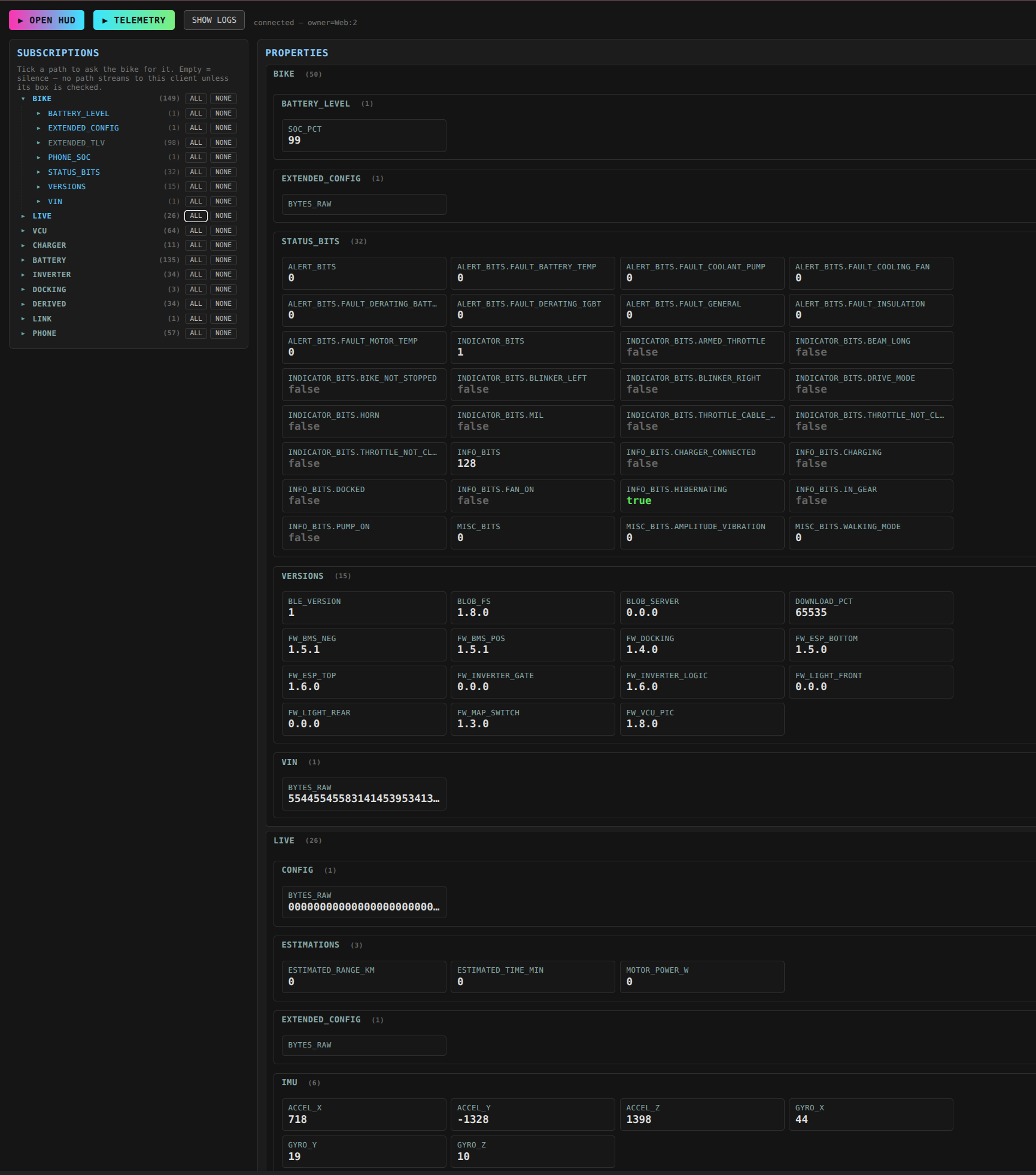
Open the same bike data on a laptop browser — anywhere you have signal. Subscribe to the channels you care about and watch live values stream in: battery, status bits, version strings, IMU, extended VCU configs, the lot.
Live logging & graphing
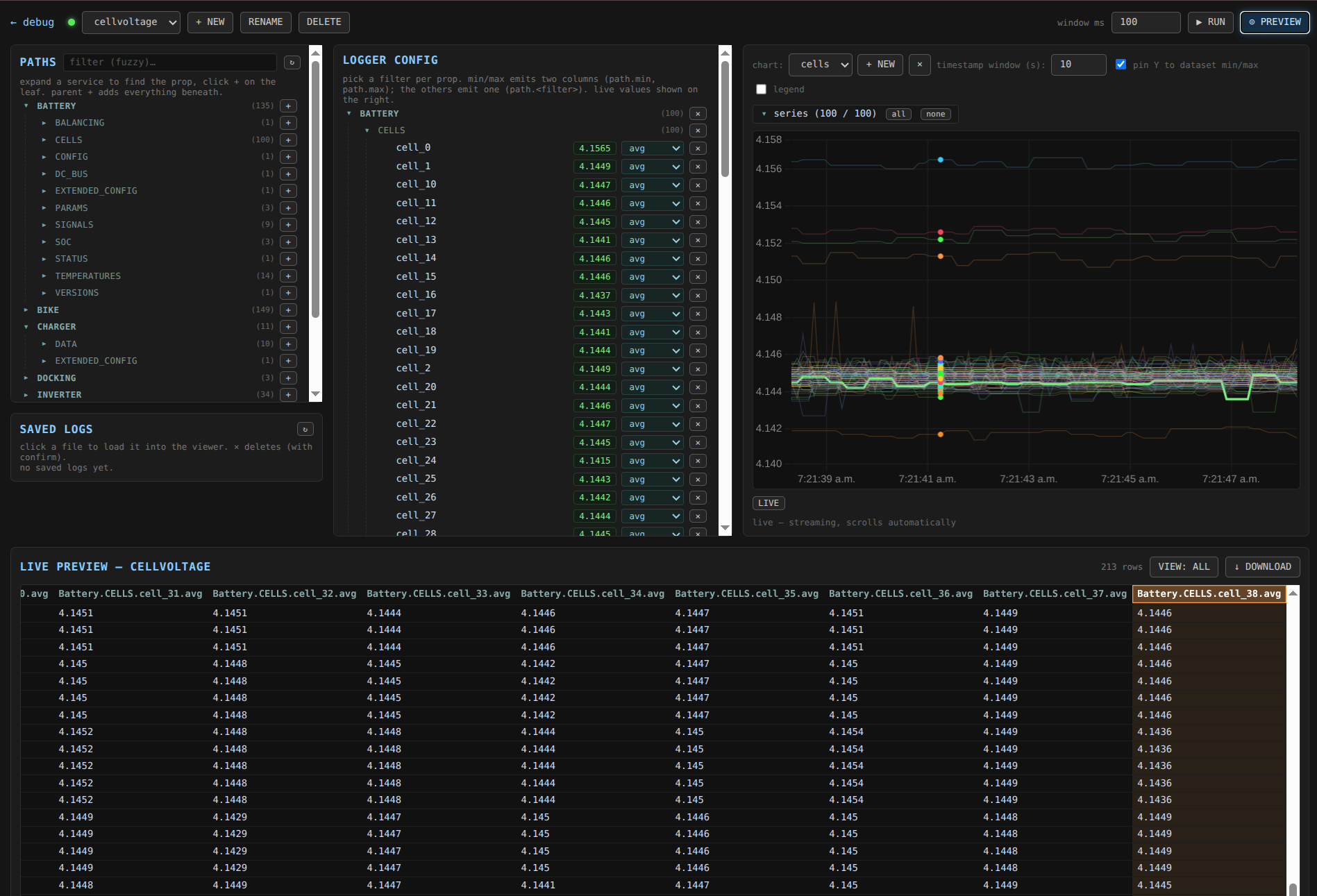
Chart any signal over time. Per-cell voltages, motor current, temperatures — anything in the data tree can be added to a live graph and saved to a session log for later analysis.
Custom themes
Pick the look that suits your ride. Retrowave for night runs, starkwhite for full sun-readable contrast — and more on the way.
Theme editor
Design your own HUD from a browser. Drag elements, tune colors, gradients, sizes, and effects — with a live preview that mirrors exactly what the bike will render. Push it to the app when you're happy.
Offline offroad maps + route planning Coming soon
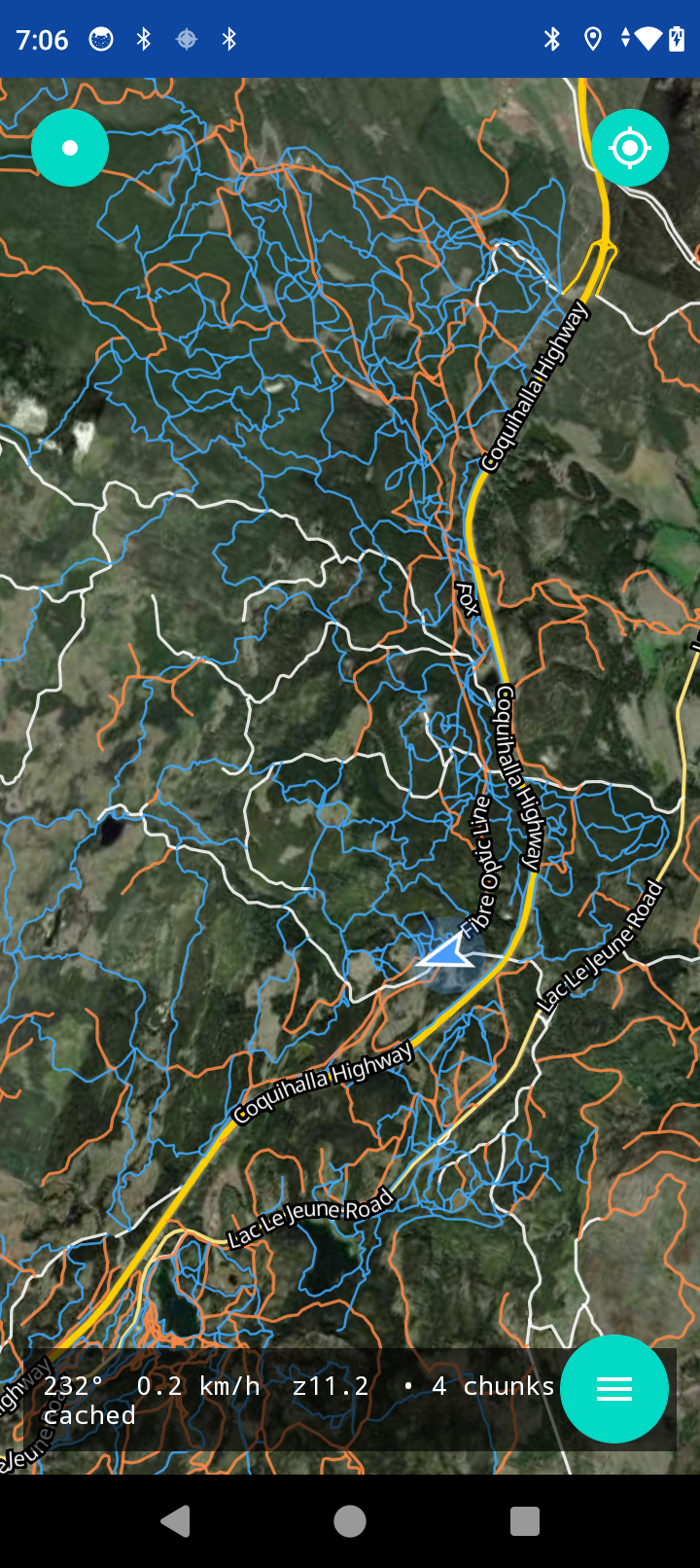
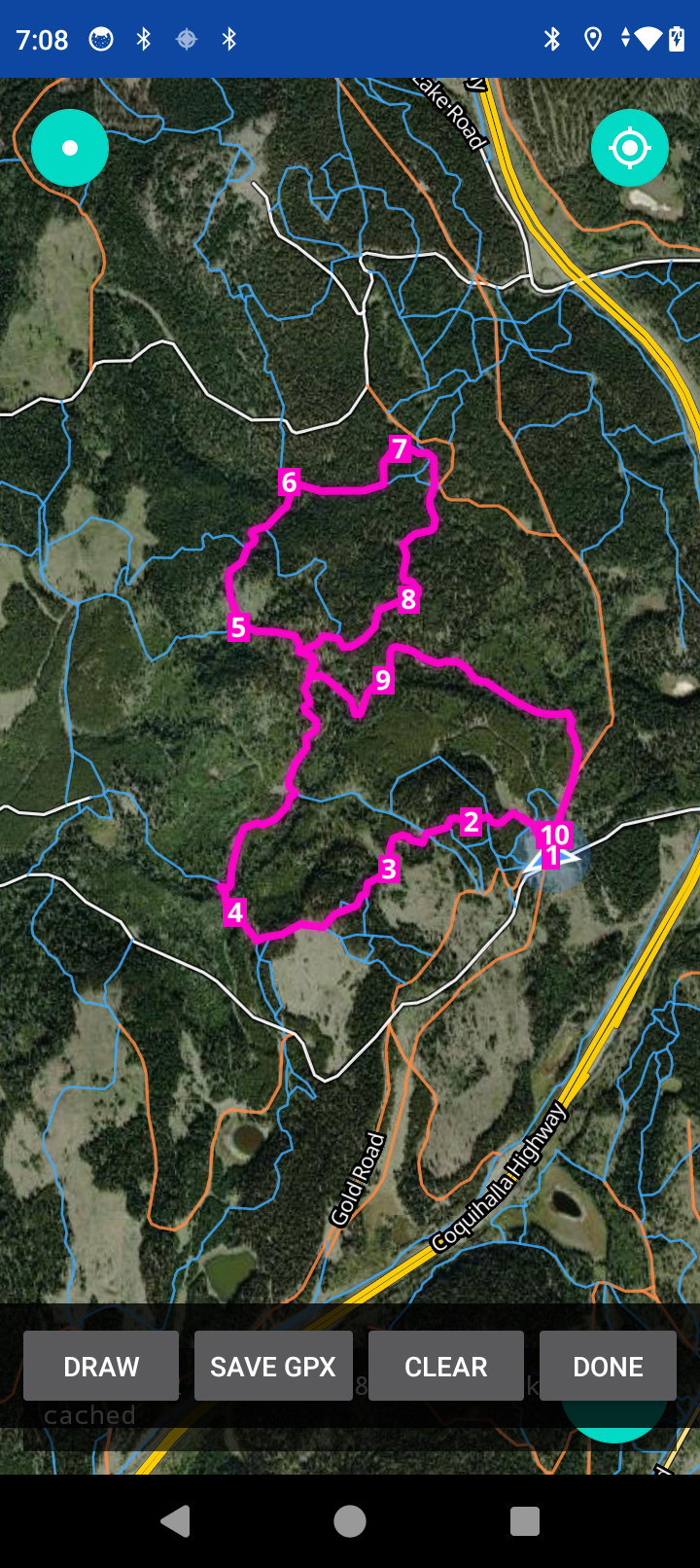
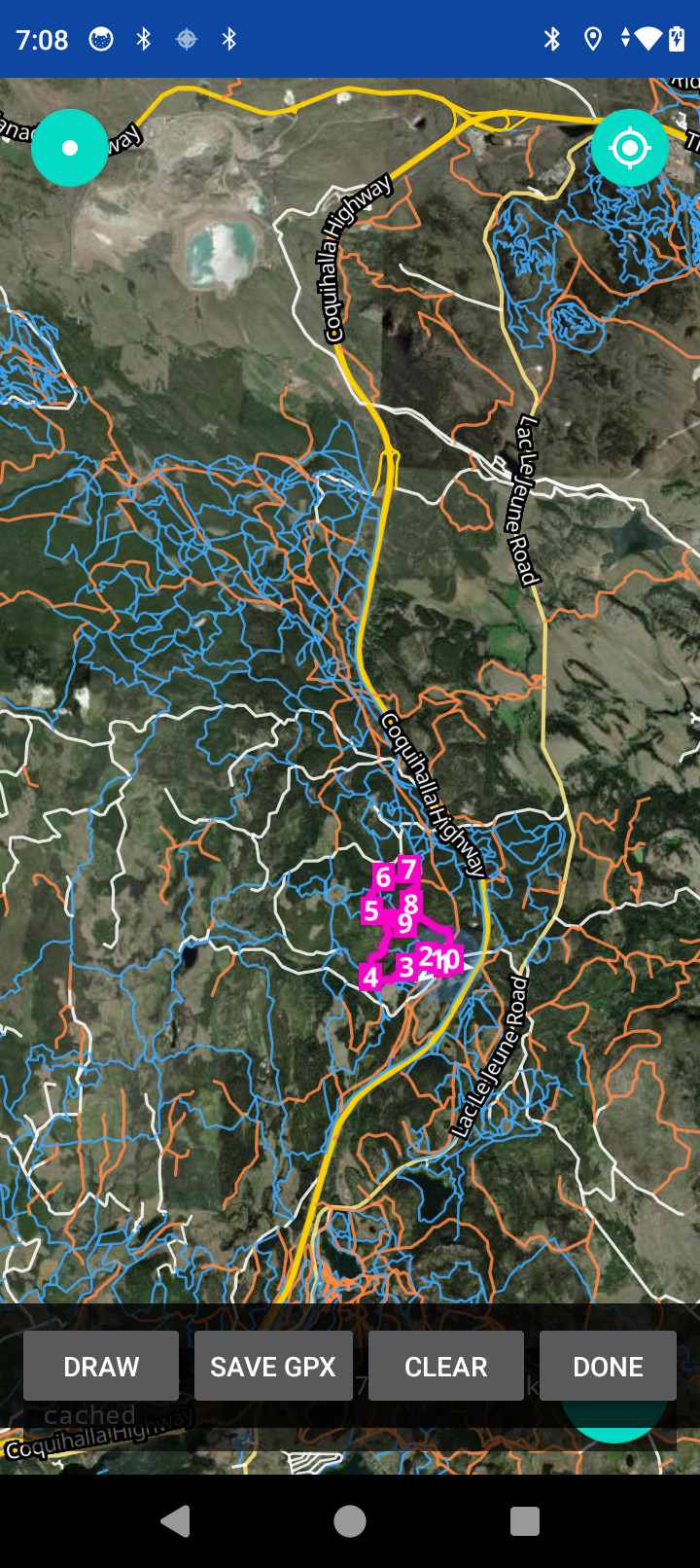
Pre-cached topo and trail layers so you can navigate where there's no cell signal. Design a route by tapping waypoints — the planner connects them by finding the best path between each pair, where "best" depends on the routing profile you pick:
- Direct — shortest path between waypoints. The default.
- Silly — not necessarily the fastest. Just silly. For when the ride matters more than the destination.
- Get me outta here — emergency router. Finds the easiest, safest, fastest way out — preferring established roads over trails whenever possible. Useful when you've made poor choices and just need to GTFO fast.
When there isn't a trail on the map, free-draw your own route segments — sketch the line you want to ride and the planner stitches it in. Save routes to your profile so you don't lose them, and export or share the GPX with your friends.
A living map. Every ride you log feeds anonymized segment data back into the map — how often a trail gets used, which direction riders take it, its difficulty, its current and seasonal conditions, how popular it is. The map gets sharper with every kilometer ridden, and the same data is what tunes the router's confidence in each segment over time.
Get started
Install VargPilot on your phone via the browser-based installer. Takes about a minute and walks you through enabling USB debugging on your phone.